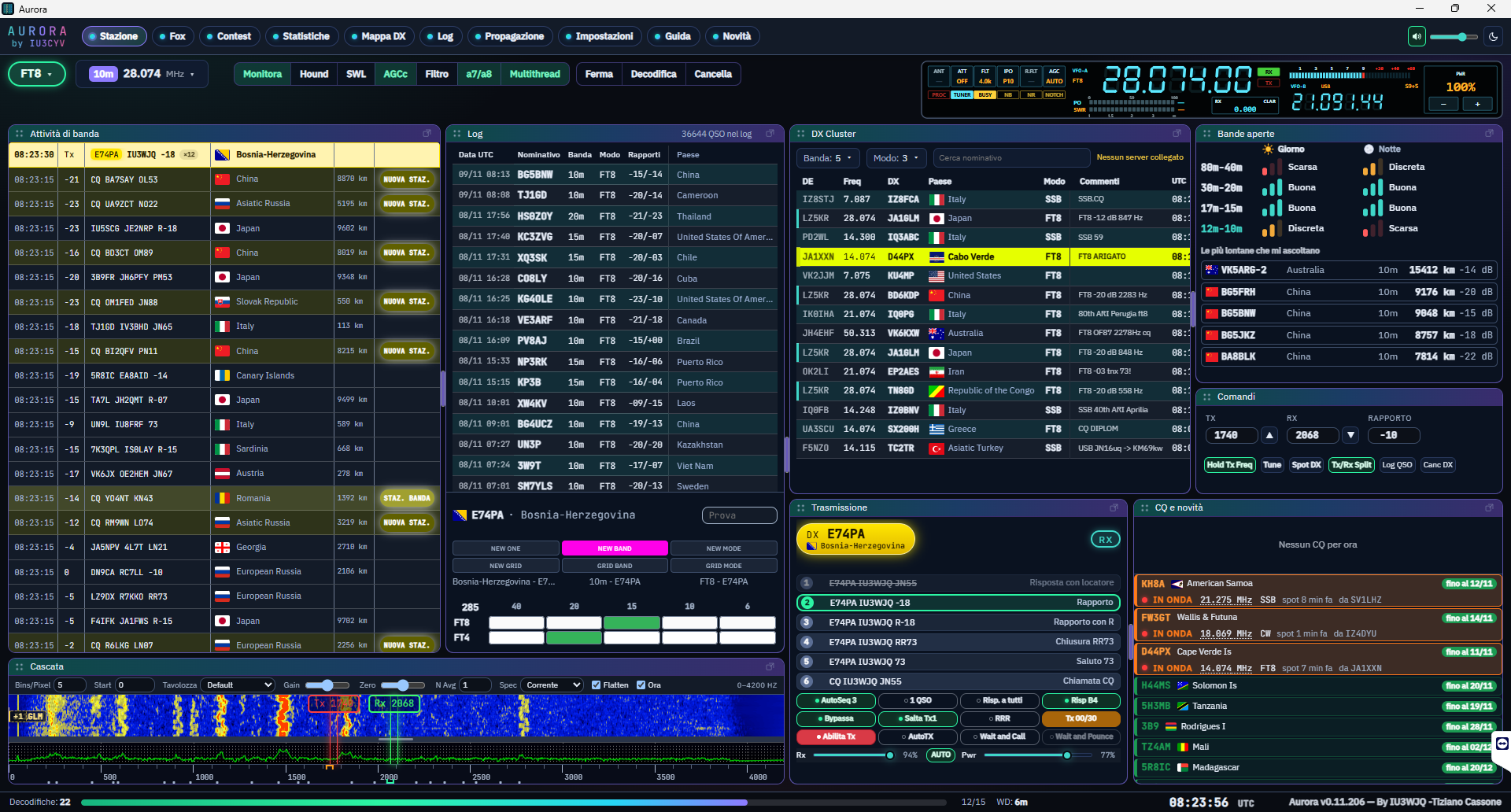
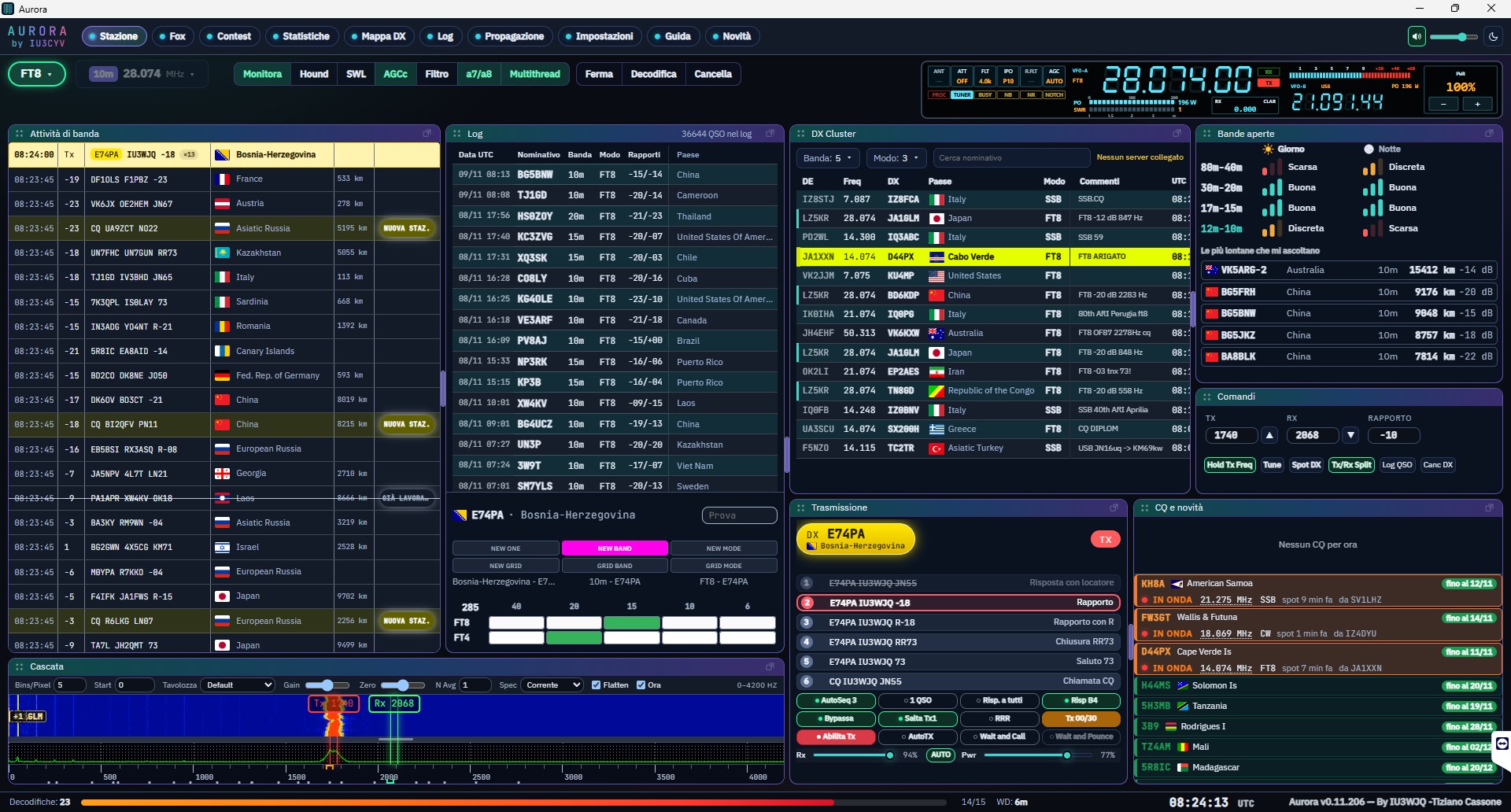
DarkStation page, dark theme: message list with flags and distances, log, DX cluster, DXpeditions, transmit panel and waterfall with Rx/Tx bars.
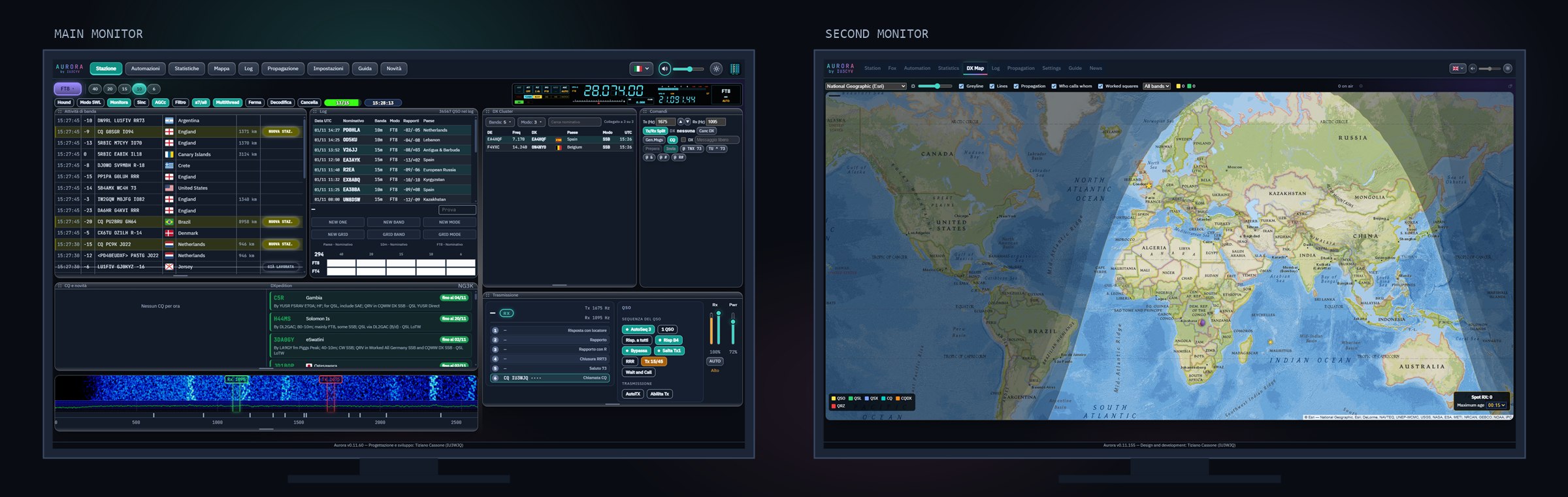
DarkDual screen: the Station page on the main monitor and the DX Map on a second one (composite of two real screenshots).
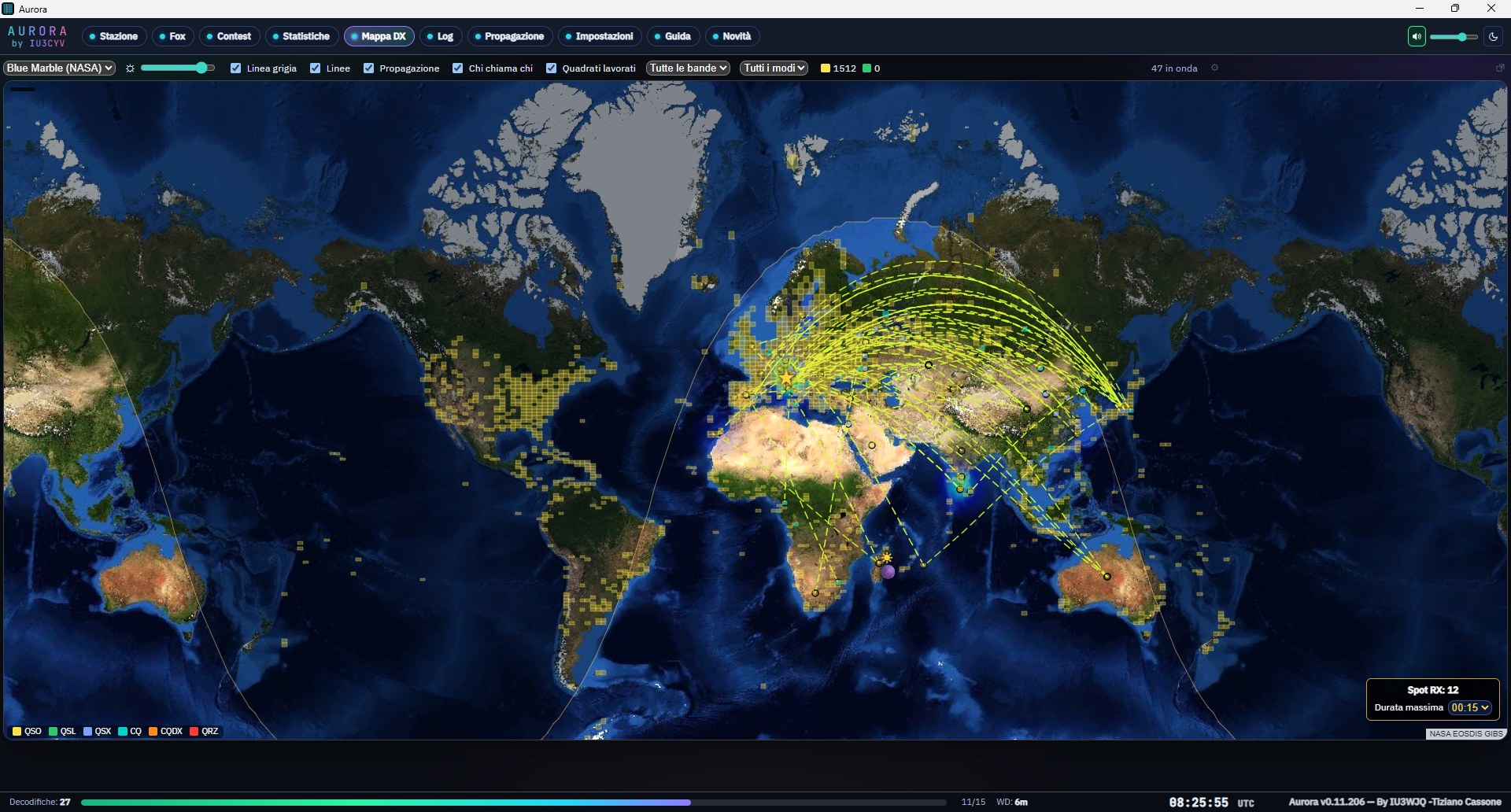
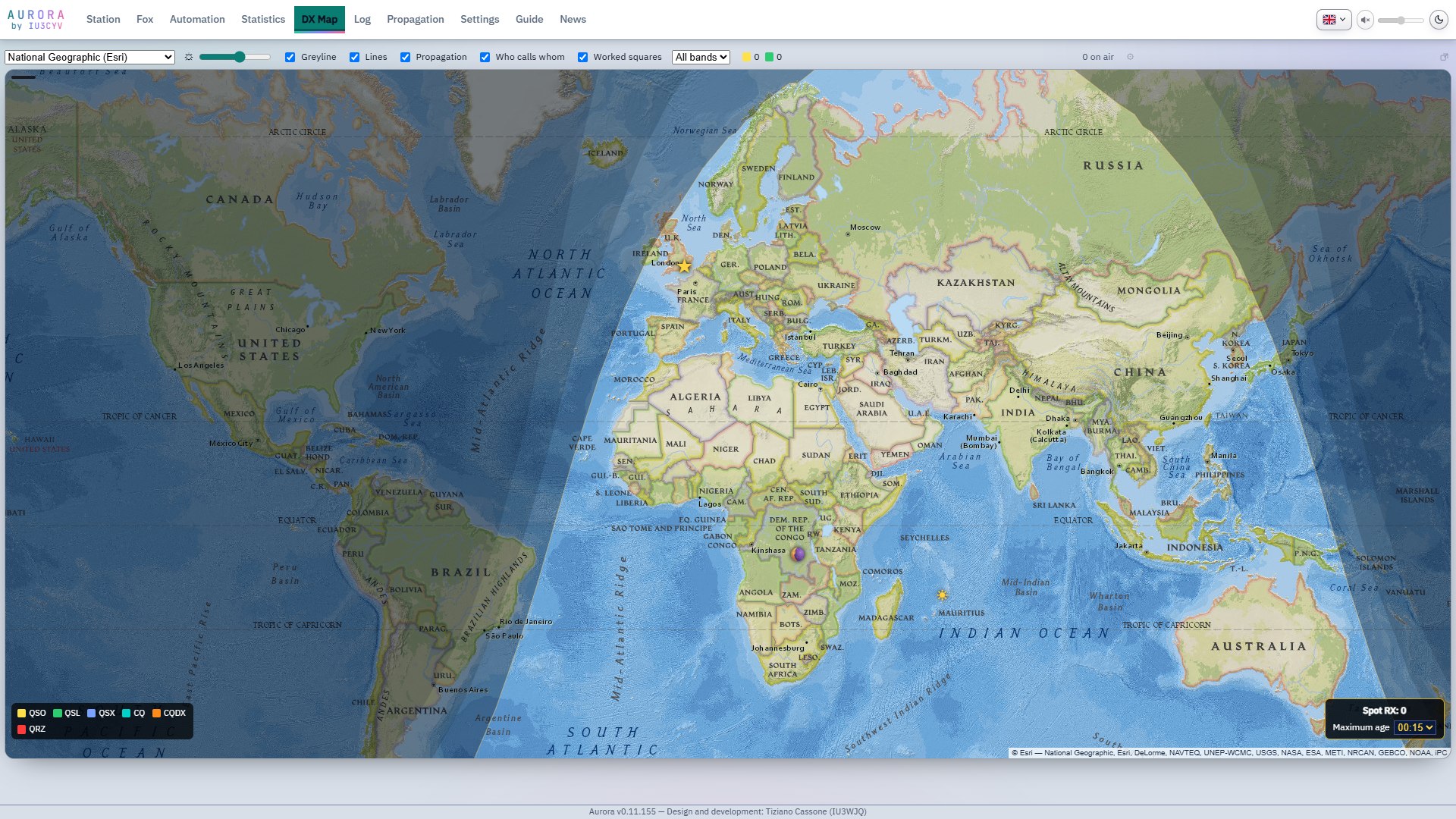
DarkDX Map, dark theme: greyline and twilight over the National Geographic base map, layer switches and the legend of on-air squares.
LightDX Map, light theme.
DarkStation page while transmitting: the guided QSO step by step, the red TX indicator and the Tx and Rx markers on the waterfall.
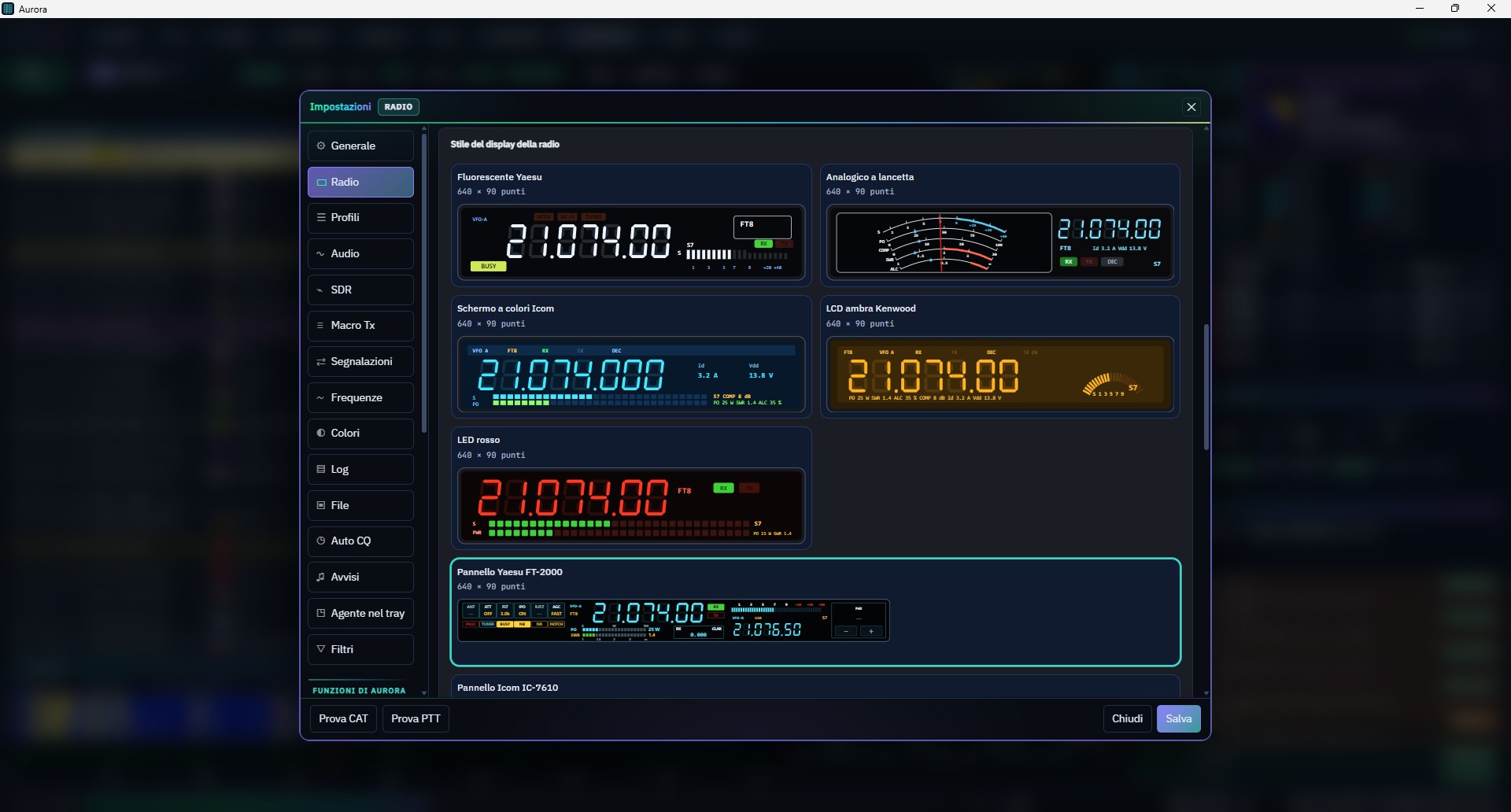
DarkSettings, Radio tab: the frequency display styles, from the Yaesu fluorescent and the analogue needle to the Kenwood amber LCD and the full Yaesu and Icom panels.
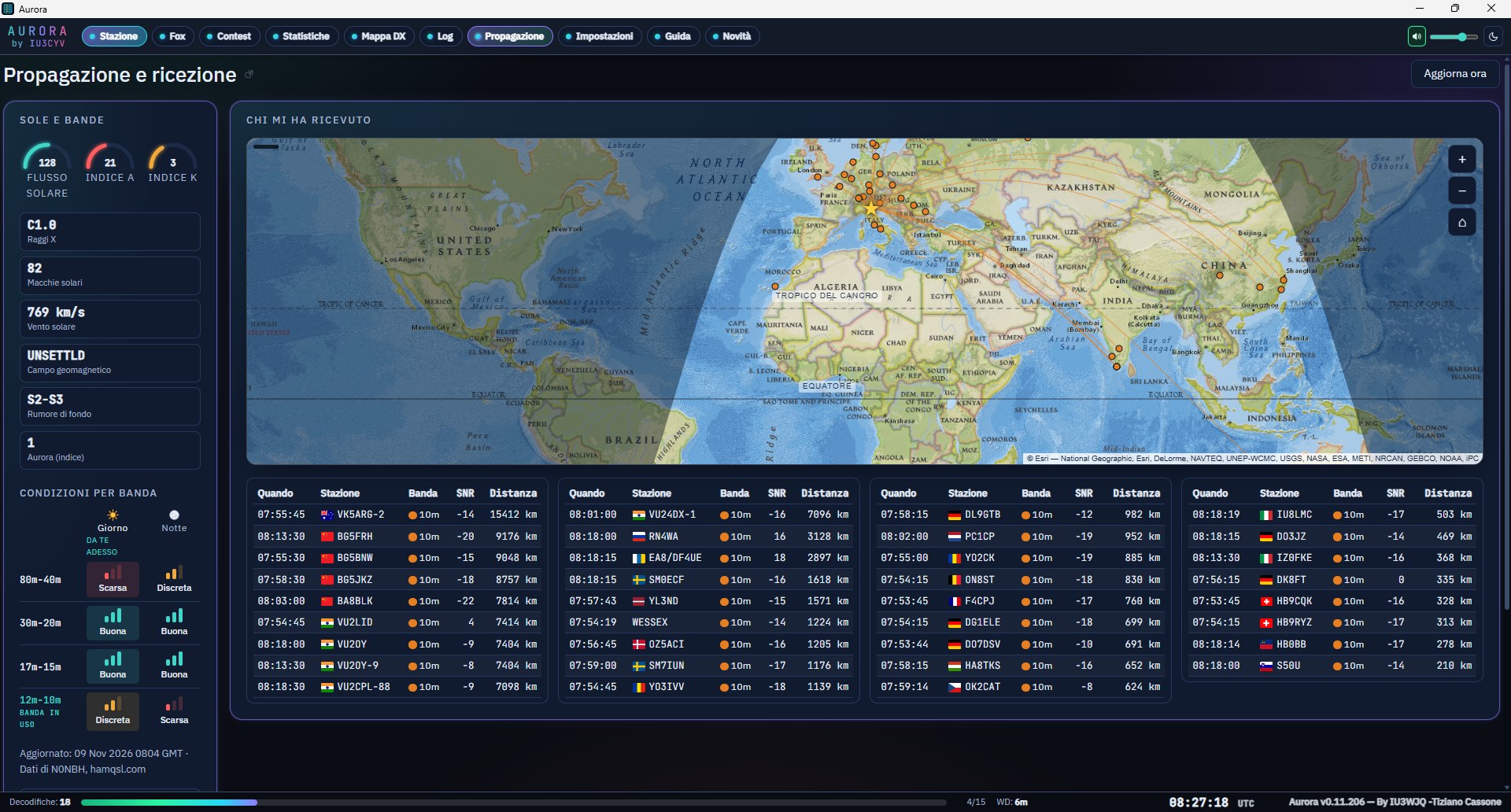
DarkPropagation page: solar flux and indices, conditions per band by day and night, a map of who has heard you and the list of received signals.
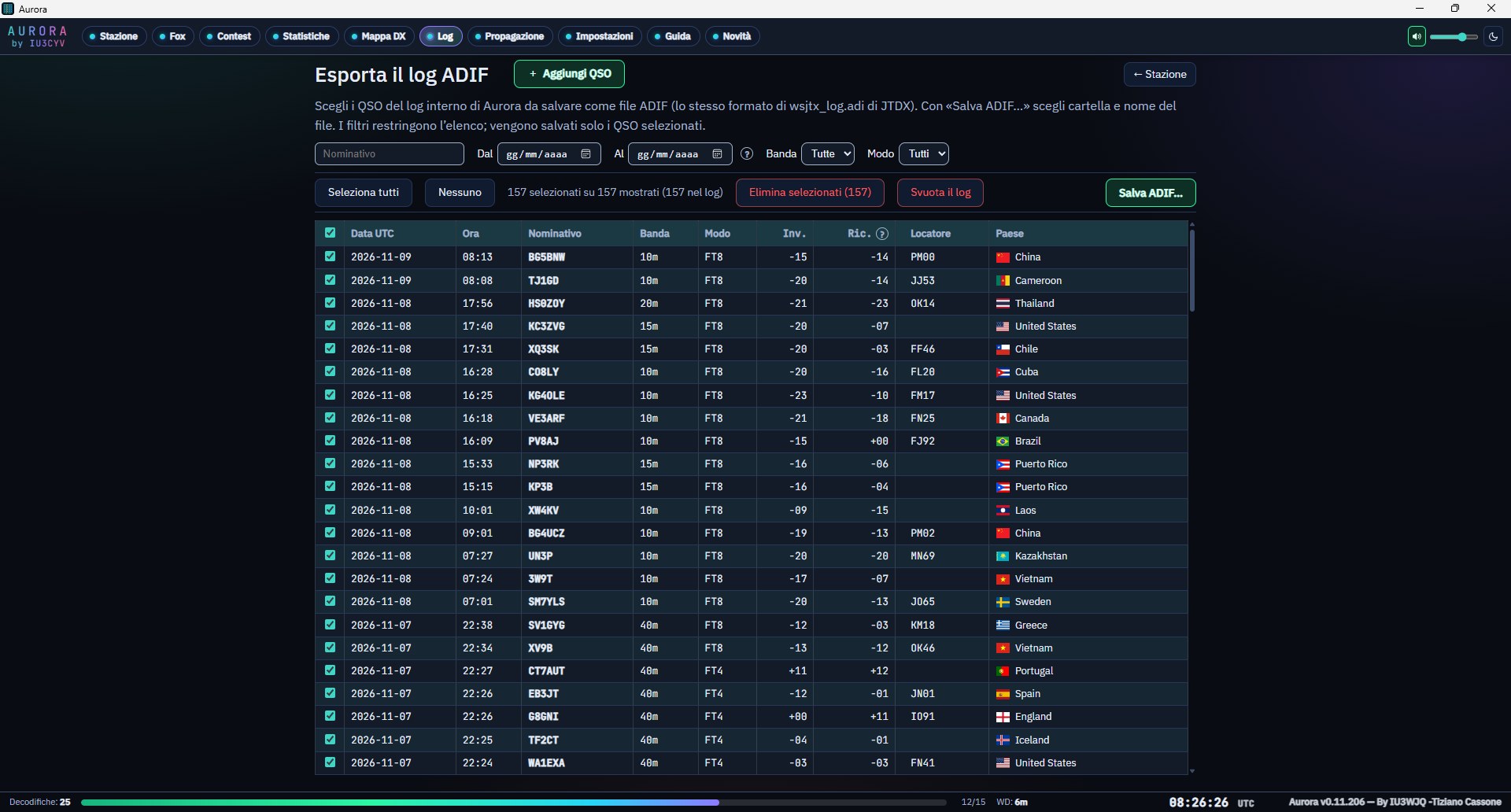
DarkLog page: the QSO list with filters for callsign, date, band and mode, and saving to an ADIF file.
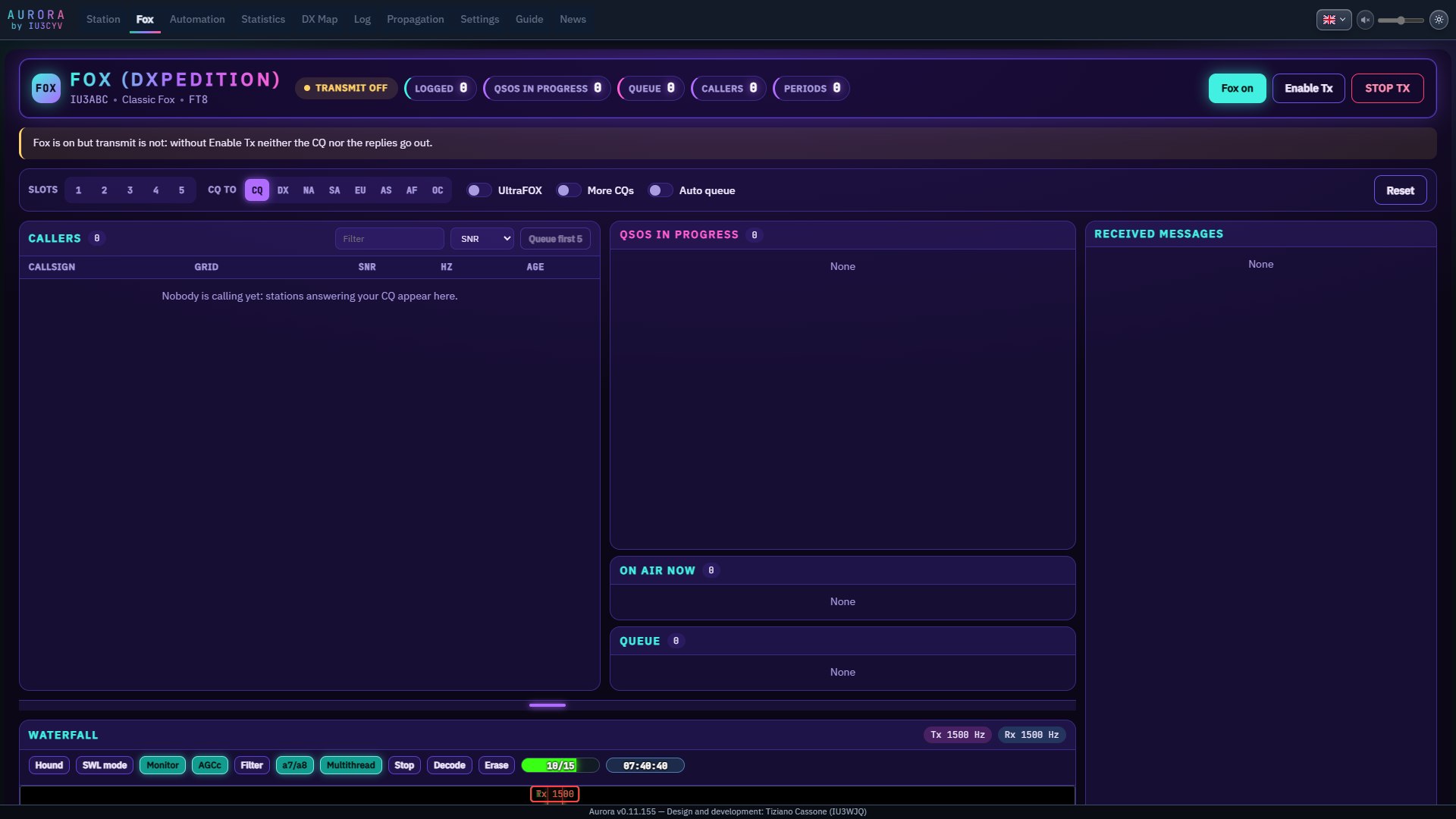
DarkThe Fox (DXpedition) page with its own neon look: status, options, callers, QSOs in progress, on-air list, queue and received messages.
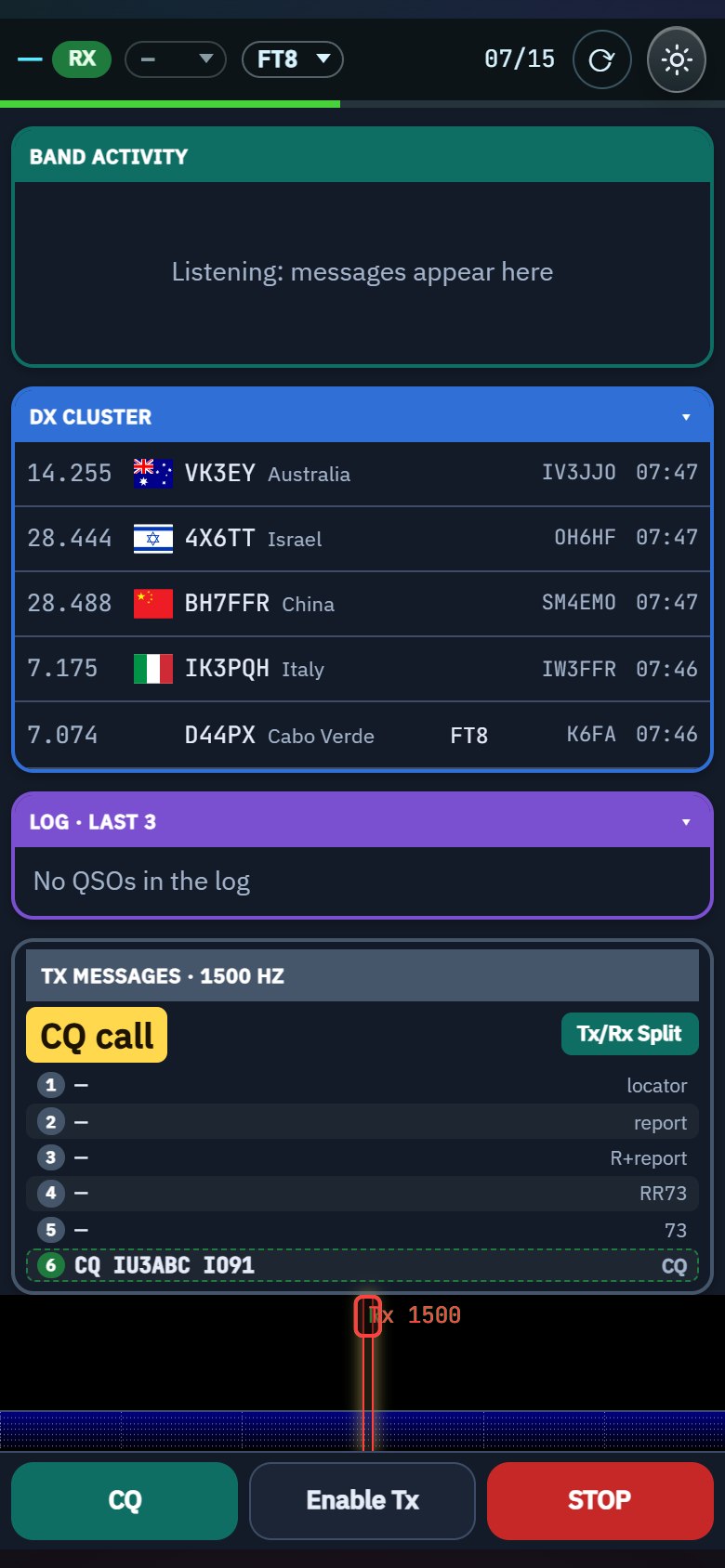
DarkPhone view: band activity, DX cluster, log, transmit messages and the CQ, Enable Tx and STOP buttons.
Screenshots taken while using the program: the callsigns in the messages are the ones received at that moment. Without a radio connected some lists may be empty.